
Lifetime Deal on Sale Now
LIMITED TIME ONLY


Looking for the best AutoShorts.ai alternatives? In this guide, we compare the top AI tools for creating short-form videos, automating production, and generating high-performing TikToks, Reels, and YouTube Shorts.
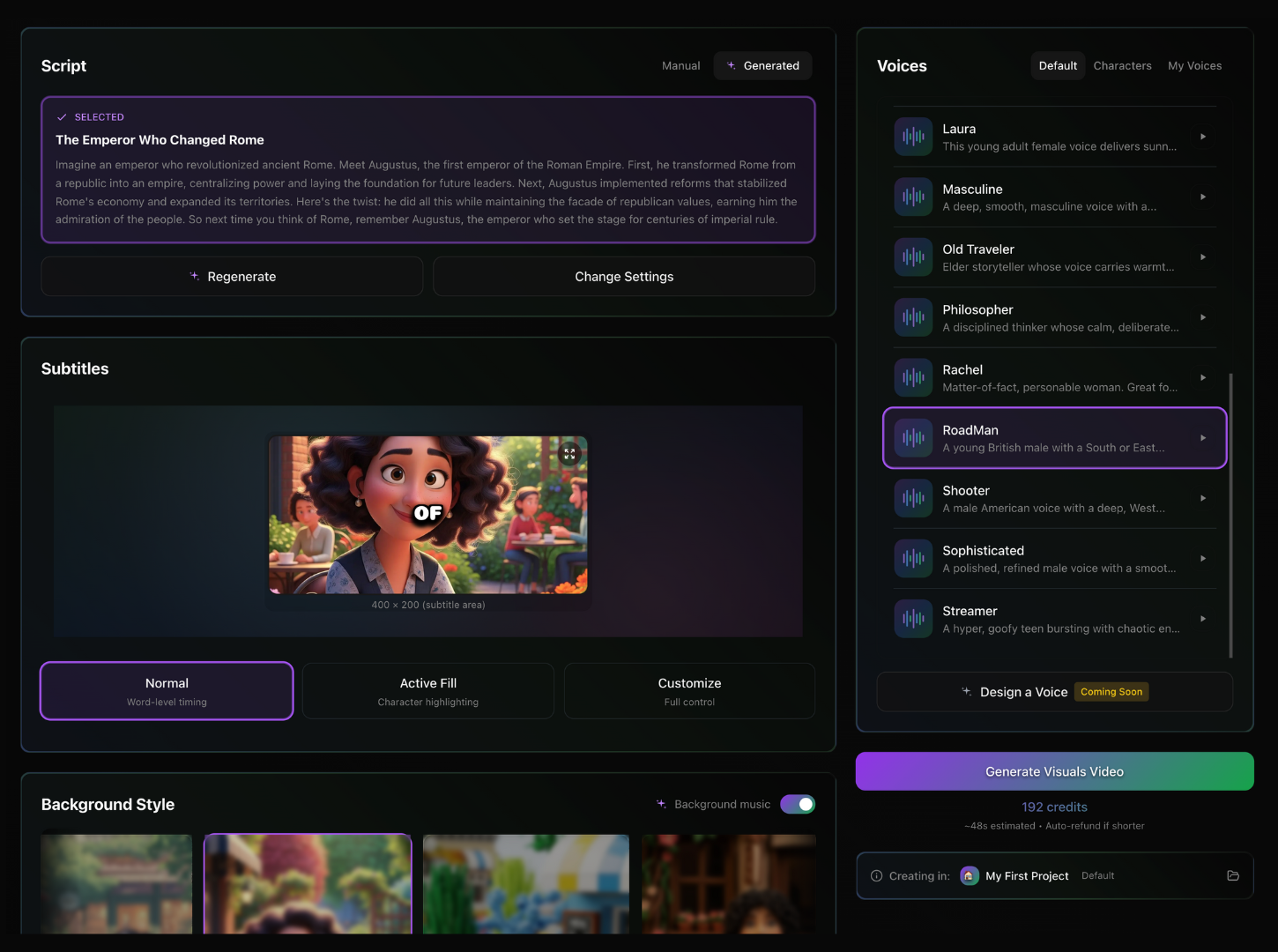
1. AutoReach – Best Overall AutoShorts.ai Alternative
Tagline: Create viral videos from your content — fully automated.
AutoReach is the strongest alternative to AutoShorts.ai because it goes beyond simple text-to-video generation. Instead, it can transform blogs, articles, newsletters, or any written content into script-driven videos. Then it generates voiceovers, scenes, subtitles, music, and even auto-posts the videos for you across TikTok, Instagram, and YouTube.
It offers cinematic scenes, TikTok-style templates, memes, UGC avatars, slideshow storytelling, and series generation where you can create 10–100 videos in one prompt. AutoShorts can produce single videos — AutoReach can produce entire content pipelines.
Features
- AI script generation from blogs, news, articles, or your written content
- 50+ high-quality AI voices and characters
- Viral formats: cinematic, TikTok, UGC avatars, memes, slideshows
- Auto subtitles
- Series/batch generation (up to 100 videos)
- Auto-posting with thumbnails, descriptions & hashtags
- AI analytics for performance
- Up to 2K, 60fps video export
Price
Starting at $7.99/month
Pros
- Most automation of all tools on this list
- Lowest price
- Best video quality (2K/60fps)
- Auto-posting and analytics included
- Many more video styles than AutoShorts.ai
Cons
- No podcast clipping
- Focused on short-form videos only
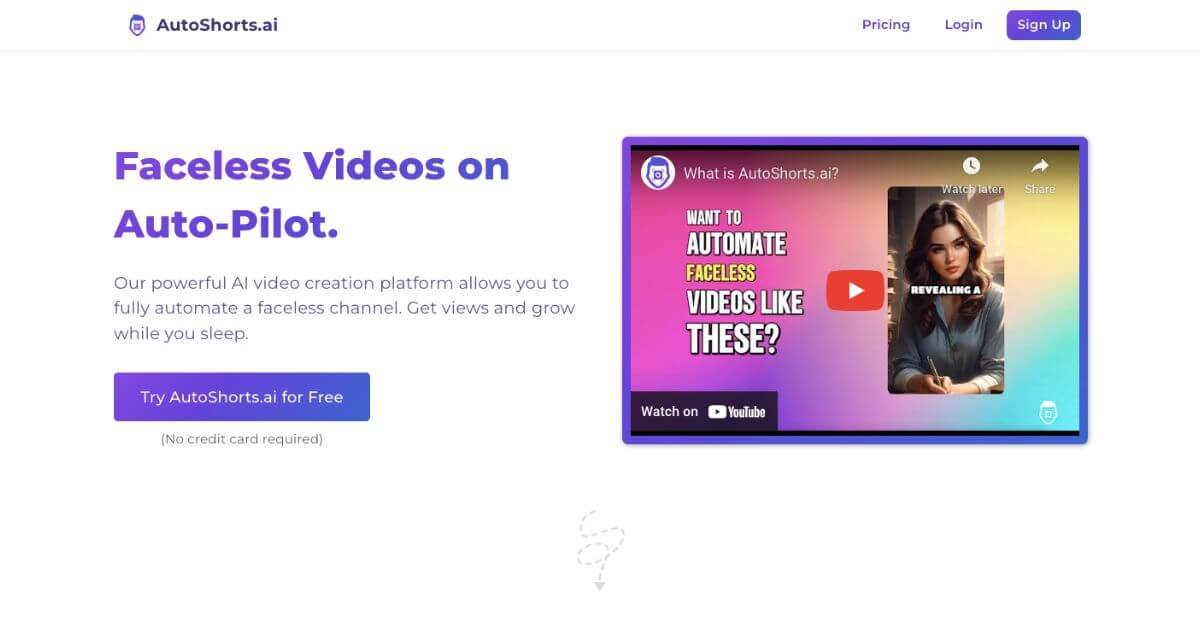
2. AutoShorts.ai
Tagline: AI short-form video automation.
AutoShorts.ai is built for quick transformation of short text into video content. It uses voice cloning, captions, and stock media to create simple short-form clips. It's great for beginners, but lacks deeper automation like posting, analytics, and large batch generation.
Features
- Text-to-video
- AI voice cloning
- Voiceovers and subtitles
- Light editor
- Stock media insertion
Price
Starting at $19/month
Pros
- Easy and fast content creation
- Voice cloning included
- Good for simple video ideas
Cons
- No auto-posting
- No analytics
- No batch generation
- Fewer video styles
- No 2K/60fps export
- Limited automation compared to AutoReach
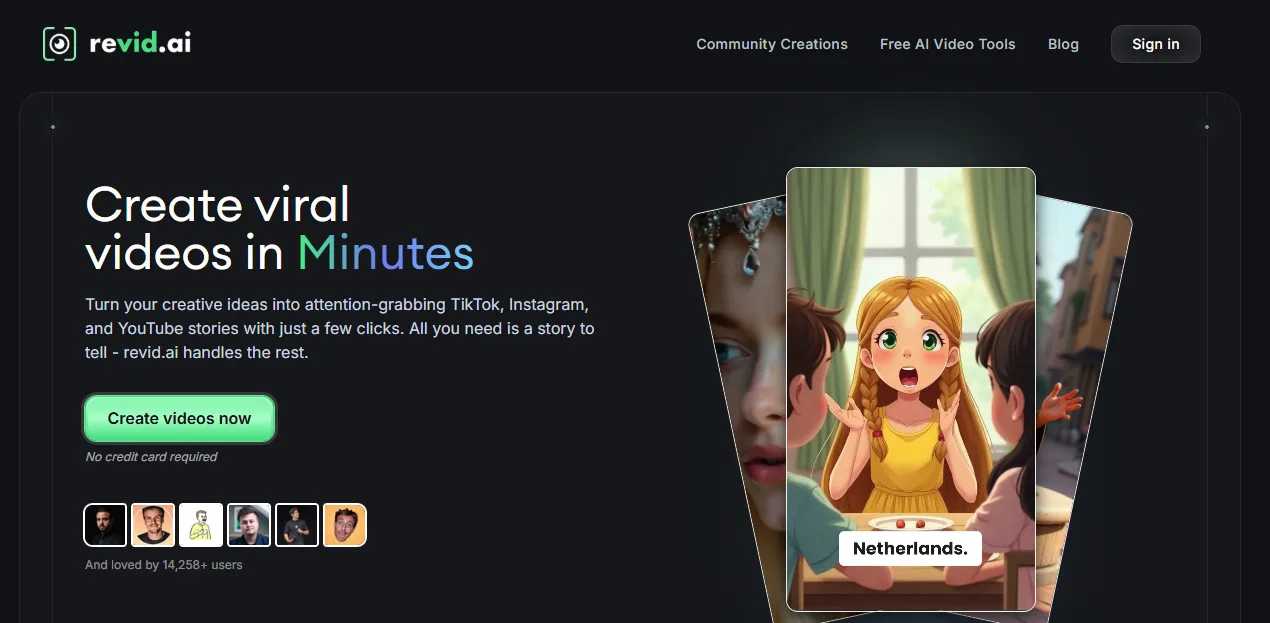
3. Revid.ai
Tagline: AI video creation with ready-made templates.
Revid.ai focuses on template-driven videos, offering simple AI scripts and a guided editor. It’s good for basic branded videos but lacks advanced automation and distribution tools.
Features
- Script generation
- Templates and stock footage
- Basic voice options
- Simple editor
Price
Starting at $39/month
Pros
- Clean interface
- Easy to use templates
Cons
- Much higher pricing
- No auto-posting
- No batch creation
- No analytics
- Limited voices and styles
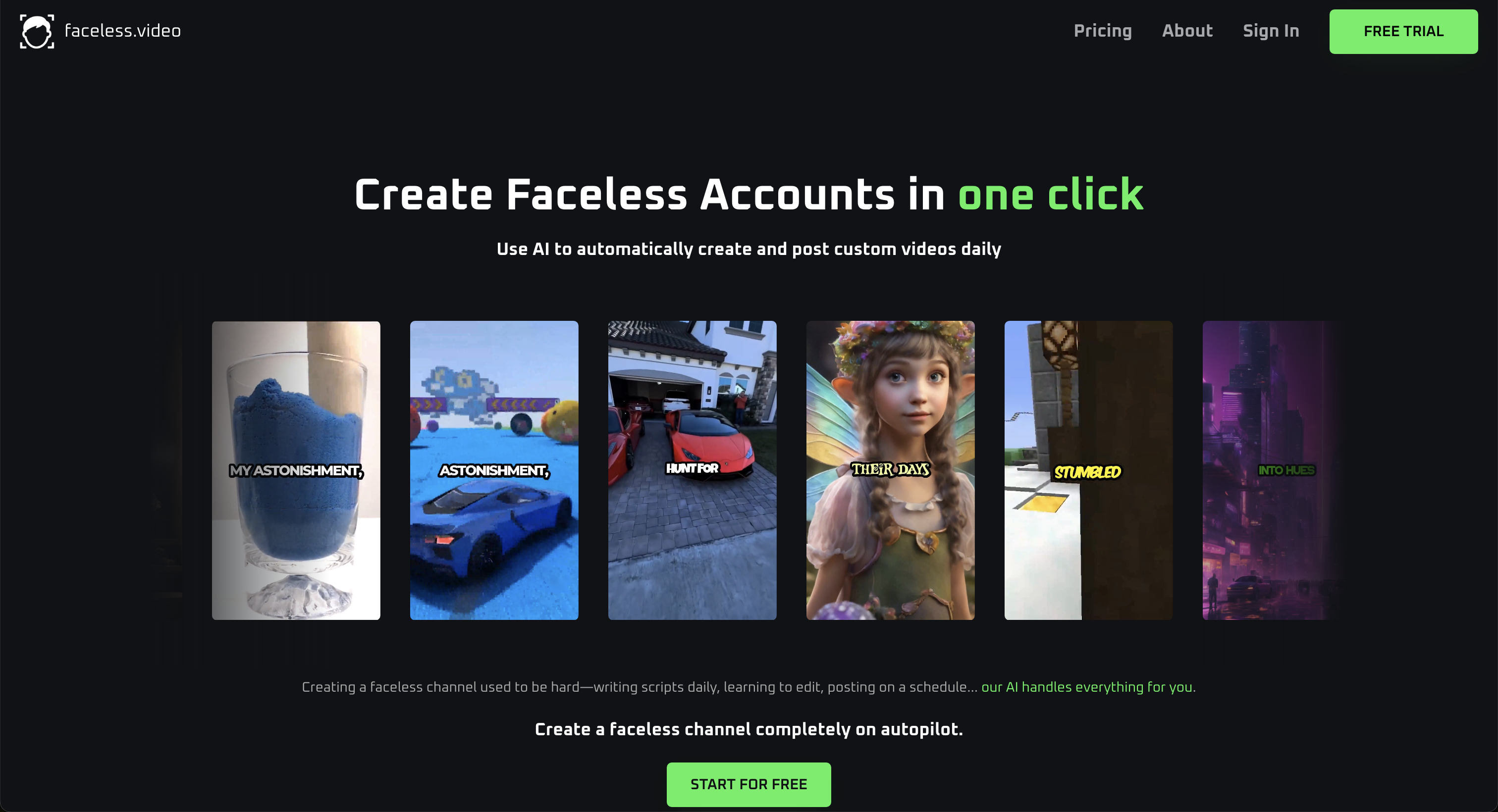
4. Faceless.video
Tagline: Faceless videos for social channels.
Faceless.video helps users produce faceless, narration-based clips suitable for TikTok and Reels. It’s simple but has fewer customization options and no automation features.
Features
- Faceless AI video generator
- Voice options
- Basic script assistance
Price
Starting at $15/month
Pros
- Beginner-friendly
- Works for faceless content quickly
Cons
- No auto-posting
- No analytics
- No advanced styles
- No cinematic or UGC avatars
- Lower-quality render options

5. AutoClips
Tagline: Fast clip creation with AI narration.
AutoClips is a lightweight tool for producing quick clips with AI voiceovers. It’s good for simple videos but not full content workflows.
Features
- AI narration
- Auto subtitles
- Text-to-video
- Social-ready formats
Price
Starting at $29/month
Pros
- Great for fast clip production
- Simple workflow
Cons
- No auto-posting
- No batch generation
- No analytics
- Limited styles
- No high-quality 2K/60fps support

